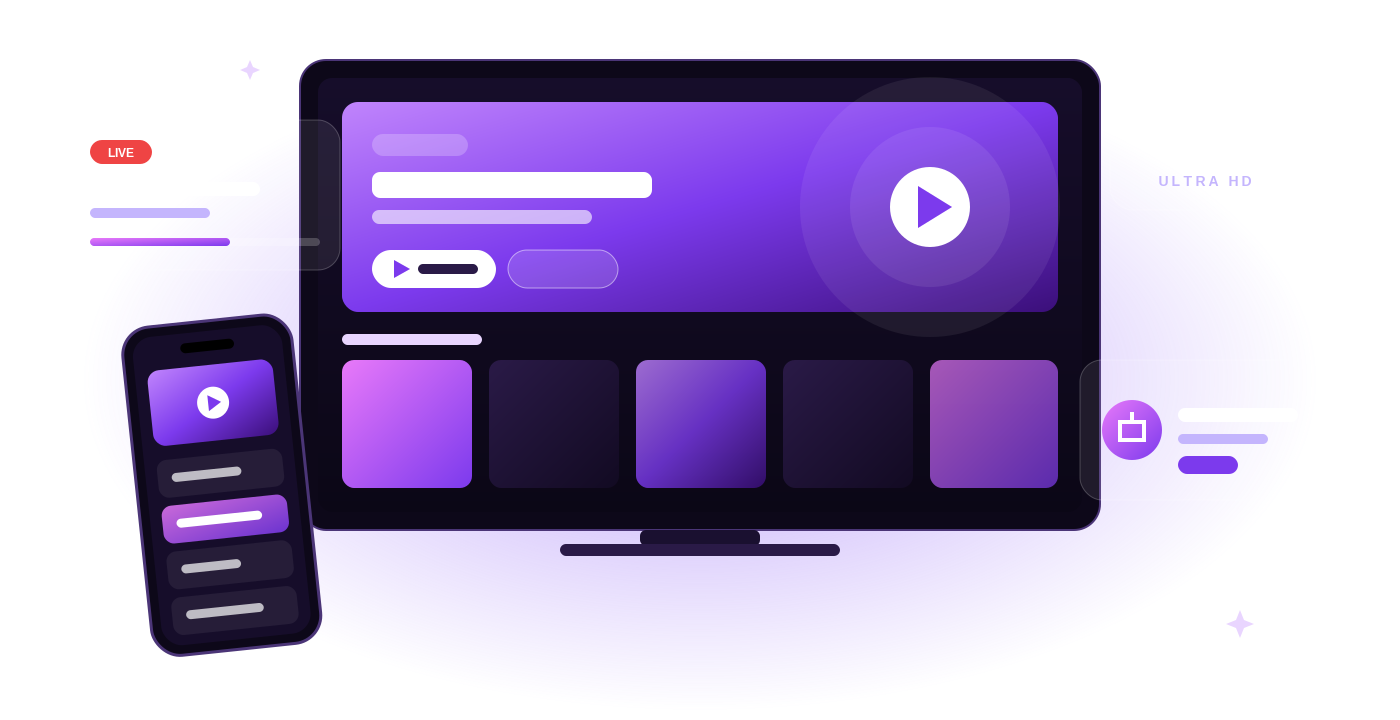
Live channels from around the world
Sport, news, entertainment, kids, documentaries, music and international TV, organised into tidy categories with programme guide support in compatible players. Whatever's on right now, you'll find it quickly.
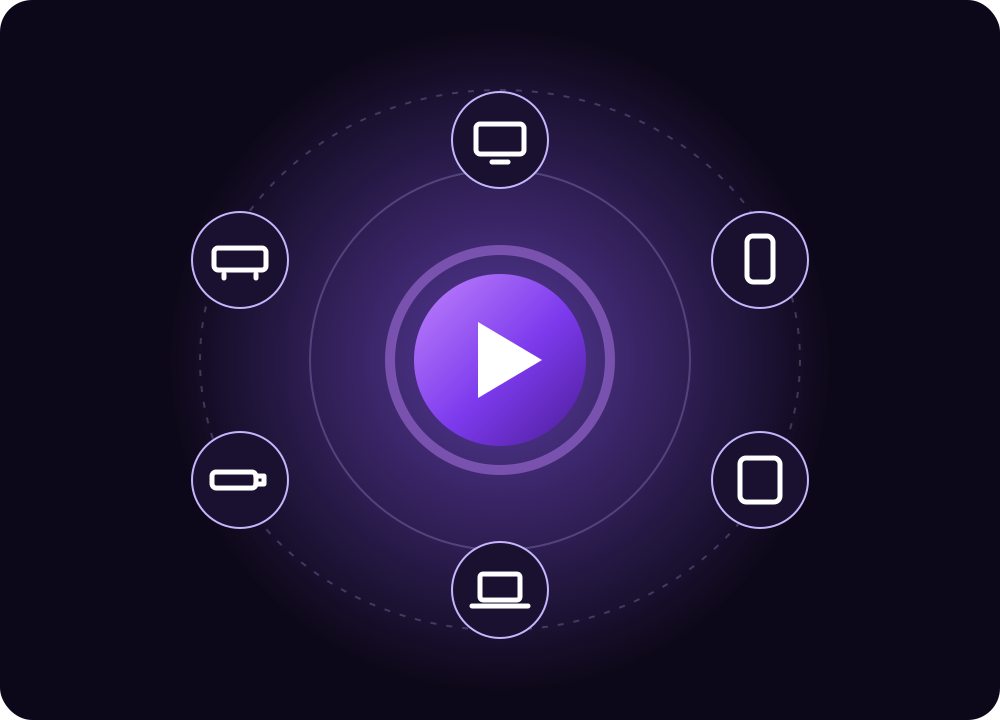
Thousands of live channels, a huge library of films and series, and PPV event channels — streamed in HD, FHD and 4K to every screen you own. Simple plans, one login and friendly support on WhatsApp, day or night.
One complete package on every plan. No premium tiers, no add-on packs and no features locked behind upgrades.
Sport, news, entertainment, kids, documentaries, music and international TV, organised into tidy categories with programme guide support in compatible players. Whatever's on right now, you'll find it quickly.
A deep on-demand library to start, pause and binge whenever you like.
Pick the picture that suits each screen and connection.
Big-event channels sit right in your list — no separate purchase flow.
TVs, sticks, boxes, phones, tablets and computers.
Message us on WhatsApp at any hour — for installation, account questions or advice on getting a smoother picture. We reply in plain language and stay with you until things work.
Television used to mean one box under one TV. Today the average household watches on a living-room TV, a bedroom screen, a couple of phones and maybe a laptop — often at the same time of evening. NEWDYTV is built for that reality.
Because the service is delivered over the internet, there's nothing to install on your roof and no cable to run. You choose a player app for each device, sign in with your NEWDYTV details and the same channels, library and event channels are ready wherever you are. Move house, change TV or travel for work, and your subscription comes along.
The "new" in NEWDYTV is about the experience as much as the technology: clear plans with everything included, honest answers before you buy and a support team that actually replies. Curious about smarter viewing features? Our guide to catch-up and timeshift is a good place to start.
And if you ever get stuck, the people who set up your subscription are the same people who answer your questions afterwards — on WhatsApp, at any hour.
Same features on every plan — just choose how long. Tap Buy Now and finish your order on WhatsApp. The 12-month plan brings the cost down to $5.83 a month.
Ideal for getting started
Pay once · 1 month of streaming
Order confirmed by our team on WhatsApp
A season of great TV
Just $10.00/mo · pay once
Order confirmed by our team on WhatsApp
Bigger term, better rate
Just $7.50/mo · pay once
Order confirmed by our team on WhatsApp
Maximum value all year
Just $5.83/mo · pay once
Order confirmed by our team on WhatsApp
Every plan is a single payment for a fixed number of months. No card is kept on file for automatic charges, and there's nothing to cancel.
Shorter plans aren't stripped down. The 1-month plan includes the same channels, library, PPV, 4K and support as the 12-month plan.
When your plan is ending, message us to continue, switch to a longer plan for a lower monthly cost, or simply let it expire.
Want to test first? Request a free trial · Full plan details on the pricing page
No paperwork, no hardware rental and no waiting for an installation slot.
Pick 1, 3, 6 or 12 months on the pricing table. Every plan includes all channels, the full library, PPV and support.
WhatsApp opens with a message naming your plan and price. Send it, and our team replies with the payment options available to you.
Once payment is confirmed, we send your NEWDYTV details along with a setup guide for your specific TV, stick, box, phone or computer.
Install the recommended player, enter your details, and your channels, movies and series load in moments. Need a hand? Just message us.
Bring your own screen. Here are the devices our customers use most — and we'll help you pick the right player for yours.
You don't need to pick just one. Many customers set up the living-room TV first, then add a phone and a tablet so they can keep watching around the house. Each device uses its own player app; just tell us which models you have and we'll send the right instructions for each of them.
With tens of thousands of channels, the right tools matter. Most modern IPTV players offer these features — here's how to use them with NEWDYTV.
Save the channels you watch every week to one list, so you open your own mini line-up instead of scrolling through thousands. Our guide to organising channels shows how.
See what's on now and next on each channel, and browse later programmes, just like a traditional TV menu — ideal for planning your evening.
On channels and players that support it, go back to programmes that aired recently or rewind a live show. Learn how it works.
Lock categories behind a PIN and set up a kids-only favourites list so younger viewers stay in the right part of the line-up. Step-by-step guide.
Every option works, but each has strengths. This neutral comparison helps you decide where to watch — and whether an upgrade is worth it.
| Device type | Strengths | Things to know | Best for |
|---|---|---|---|
| Smart TV app | No extra hardware; one remote | Older models may have fewer player choices or slower menus | Recent TVs with a good app store |
| Streaming stick | Affordable, compact, frequently updated | Usually Wi-Fi only unless you add an Ethernet adapter | Upgrading any TV with HDMI |
| Android TV box | Wide player choice, often has Ethernet and more storage | Quality varies between brands | Main living-room TV and 4K |
| Apple TV | Smooth interface, strong performance | Higher purchase price | Apple households |
| Phone / tablet | Watch anywhere in the home or away | Mobile data use adds up quickly | Second screens and travel |
| Computer | Large screen, multitasking | Less convenient from the sofa | Home office and study |
Want more detail? Read our full guide to choosing the best device for IPTV.
Three things decide what you see on screen: the stream itself, your internet connection and the device that plays it. NEWDYTV takes care of the first. For the other two, a few simple habits make a real difference.
Steady beats fast. Live TV can't pause to wait for a slow moment, so a connection that stays consistent matters more than an impressive peak speed. A network cable between your router and main TV is the most effective upgrade for most homes.
Match quality to the screen. 4K is stunning on a large 4K TV, while HD looks crisp on a phone and uses far less data — especially useful when you're watching while travelling.
Keep things fresh. Update your player app and device software, and restart your router now and then to clear temporary glitches.
Mind the busy hours. Evenings are when everyone at home — and across your neighbourhood — is online at once. If you notice the occasional stutter at prime time but never in the afternoon, pause large downloads during big events and consider a wired connection for the TV that matters most.
| Quality | Stable speed |
|---|---|
| HD · 720p | about 10 Mbps |
| FHD · 1080p | 15–20 Mbps |
| 4K · 2160p | 25 Mbps or more |
General guidance only — fast-moving content such as live sport usually needs a little more headroom.
One subscription, several screens and very different moods. Here's how a typical evening can unfold in a NEWDYTV household.
A news channel runs on a phone propped up in the kitchen while dinner cooks. HD is plenty on a small screen and keeps data use low if you're on mobile.
Everyone gathers in the living room. You pick a film from the on-demand library, choose the 4K version on the big TV and press play — no rental fees, no searching across apps.
The kids are in bed and a headline fight is about to start. The PPV channel is already in your list, so you switch over without buying anything extra on the night.
In bed with a tablet, you resume the series you started last week right where you stopped. Tomorrow, the TV guide will show you what's on before work.
IPTV stands for Internet Protocol Television — TV delivered as data over the same connection you use for websites and video calls. It sounds technical, but the journey is easy to picture:
Channels and on-demand titles are encoded into compact digital video, often in several qualities so each device can receive the version that suits it.
The video is sent in small chunks to your home. Your player keeps a few seconds stored in advance, which smooths over tiny dips in your connection.
The app on your TV, stick, phone or computer decodes the chunks and shows them as a seamless picture, together with the channel list and TV guide.
That's why both your connection and your device play a part in picture quality — and why a capable streaming device and a stable network make such a difference.
Three commitments we make to every customer, from their first message to their last renewal.
Prices are shown before you order, every feature is included in every plan, and nothing renews without you choosing to. Our refund policy and terms are published openly.
Ask us anything before you buy — about your device, your connection or a channel you care about. If something isn't likely to work well for you, we'll say so honestly.
Customers in many countries use NEWDYTV, from expat families to sports fans. We ask everyone to make sure their use of the service follows local laws.
NEWDYTV is a premium IPTV subscription. It streams live TV channels, a large movie and series library and PPV event channels over the internet to your smart TV, streaming stick, set-top box, phone, tablet or computer.
Every plan comes with HD, FHD and 4K streams, 50,000+ live channels, 70,000+ movies and series, PPV channels, support for all devices and 24/7 help. Plans only differ in length — see the pricing page.
Yes. Ask for a free trial on WhatsApp through the free trial page, tell us your device, and we'll send temporary access with setup steps.
It works on all common devices. For the smoothest experience on a TV, a recent streaming stick, Android TV box, Apple TV or modern smart TV connected by cable is ideal. Our device buying guide compares the options.
Tap Buy Now on the plan you want. WhatsApp opens with a ready-written message. We confirm payment options, then send your login and instructions for your device once payment is received.
Yes. There are dedicated kids' categories, and many player apps let you lock adult or other categories with a PIN. See how to set up parental controls.
No. You pay once for 1, 3, 6 or 12 months, and the plan simply ends unless you choose to renew.
How catch-up TV and timeshift work on IPTV, which channels and players support them, and how to use them.
Read articleSticks, boxes, smart TVs or Apple TV? What really matters when choosing hardware for IPTV.
Read articleLock categories with a PIN, create a kids-only favourites list and keep family viewing comfortable.
Read articlePick a plan and message us on WhatsApp — or ask for a free trial and watch it on your own screen first.